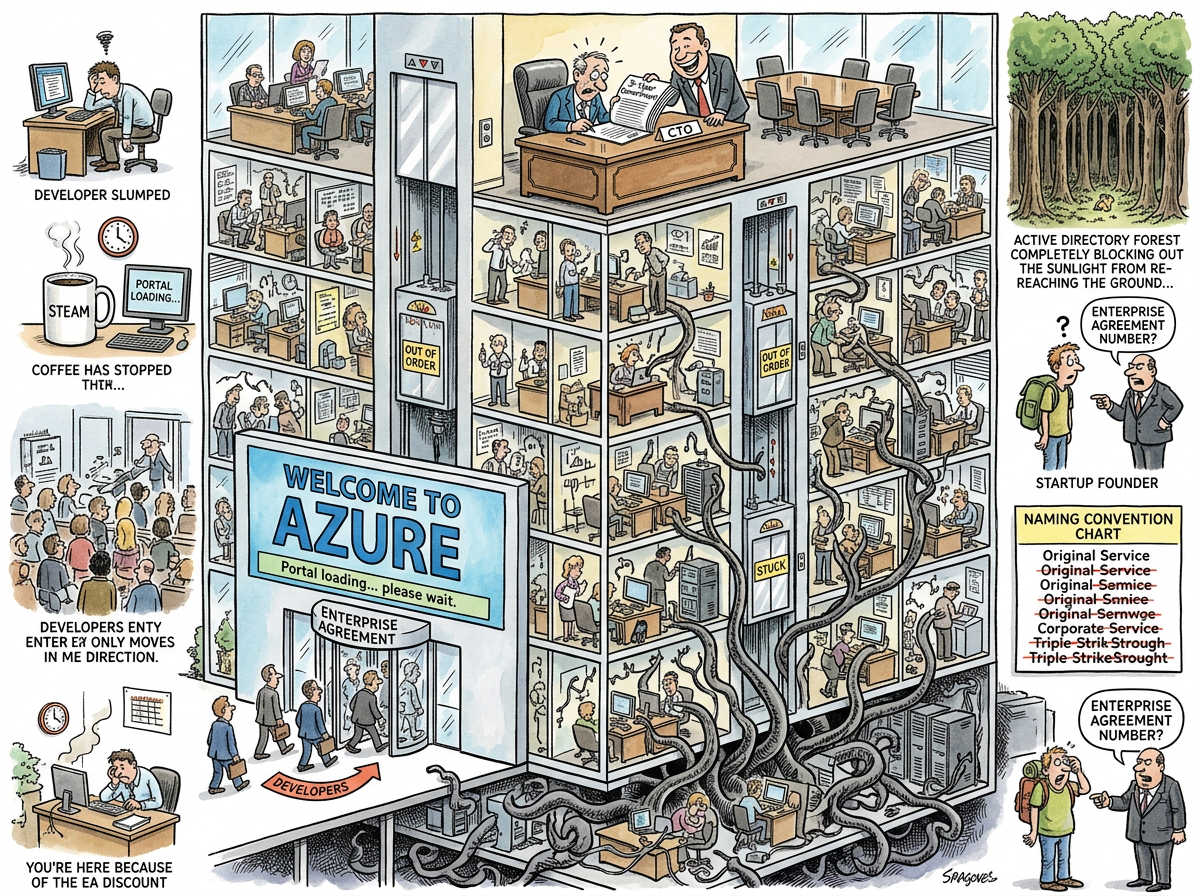
Azure is Microsoft’s cloud computing platform, which enterprises adopt not because it is the best cloud but because they already pay Microsoft for everything else, and the Enterprise Agreement discount makes Azure approximately free if you squint at the licensing spreadsheet from the right angle — a financial illusion so effective that it has made Azure the second-largest cloud provider in the world.
Azure launched in 2010 as “Windows Azure,” which is the most Microsoft name possible for a cloud platform. It was renamed “Microsoft Azure” in 2014, when Microsoft realised that putting “Windows” in the name of a Linux-dominated platform was like naming a vegetarian restaurant “The Steakhouse.”
Today, Azure runs more Linux than Windows. Microsoft has not updated the branding to reflect this, because the branding was never about the technology. It was about the Enterprise Agreement.
The Enterprise Agreement
The Enterprise Agreement (EA) is the gravitational force that holds Azure’s market share together. An EA is a three-year commitment to spend a minimum amount on Microsoft products — Office 365, Windows Server, SQL Server, Dynamics, and Azure — in exchange for volume discounts that make each individual product appear cheap while the aggregate commitment makes the CTO’s signature the most expensive thing in the building.
The key insight is that most enterprises already have an EA for Office and Windows. Adding Azure to the EA costs “nothing extra” in the same way that adding a conservatory to a house you’re already mortgaging costs “nothing extra” — the monthly payment goes up, but you don’t notice because you were already paying.
This is how Azure became the default cloud for enterprises that would never have chosen it on technical merit alone. The CTO does not choose Azure. The CTO’s procurement department chooses Azure, because the licensing spreadsheet says it’s included, and arguing with the licensing spreadsheet requires a team of licensing consultants that the company already pays for under a different line item.
The Portal
The Azure Portal is a web application for managing Azure resources. It is also one of the slowest web applications in active use, which is remarkable given that it is served by the very infrastructure it manages.
Loading the Azure Portal takes between 8 and 45 seconds, depending on factors that include network latency, the number of subscriptions in the account, the phase of the moon, and whether the Portal’s own microservices are having a good day. Once loaded, navigating between blades (Azure’s term for UI panels) requires additional loading time, during which the developer stares at a spinner and contemplates whether the CLI would have been faster.
The CLI is always faster. The CLI is always faster than any cloud console. This is a universal truth. Yet the Portal persists, because enterprise buyers want to see a GUI, and enterprise procurement decisions are made by people who will never use the product.
The Naming Problem
Azure services are renamed approximately every eighteen months, which means that any documentation older than two years references services that no longer exist under those names:
- Azure AD → Microsoft Entra ID
- Azure DevOps → (still Azure DevOps, but everyone expects the rename)
- Azure Container Instances → (still the name, but there are also Azure Container Apps, AKS, and App Service Containers)
- Azure Functions → (still the name, but now there are “Flex Consumption” plans alongside “Consumption,” “Premium,” and “Dedicated”)
The renaming serves no technical purpose. It serves a marketing purpose: each rename generates a blog post, a conference talk, and a migration guide, all of which create the appearance of innovation without requiring the engineering effort of actual innovation.
The Active Directory Octopus
Active Directory is the tentacle that connects Azure to everything. Azure AD (now Entra ID) is the identity provider for Office 365, Azure, Dynamics, and — through federation — virtually every enterprise application in existence. It is the one Microsoft product that genuinely cannot be replaced, because replacing it would require re-authenticating every user, re-configuring every application, and re-negotiating every federation trust, which is approximately equivalent to rebuilding civilization from scratch.
This is Azure’s real lock-in. Not the compute. Not the storage. The identity layer. You can migrate a VM to any cloud. You cannot migrate Active Directory to any cloud, because Active Directory is the cloud for 90% of enterprises.
Measured Characteristics
- Global market share: ~24% (second behind AWS)
- Enterprise Agreement signatories who chose Azure on technical merit: undisclosed
- Enterprise Agreement signatories who chose Azure because of the EA: most
- Portal average load time: 8–45 seconds
- CLI average response time: <2 seconds
- Users who use the CLI: developers
- Users who use the Portal: the people who approved the budget
- Service renames per year: 3–5
- Active Directory replacement projects completed: 0
- Linux VMs on Azure vs. Windows VMs: Linux wins
- Times Microsoft has acknowledged this: carefully