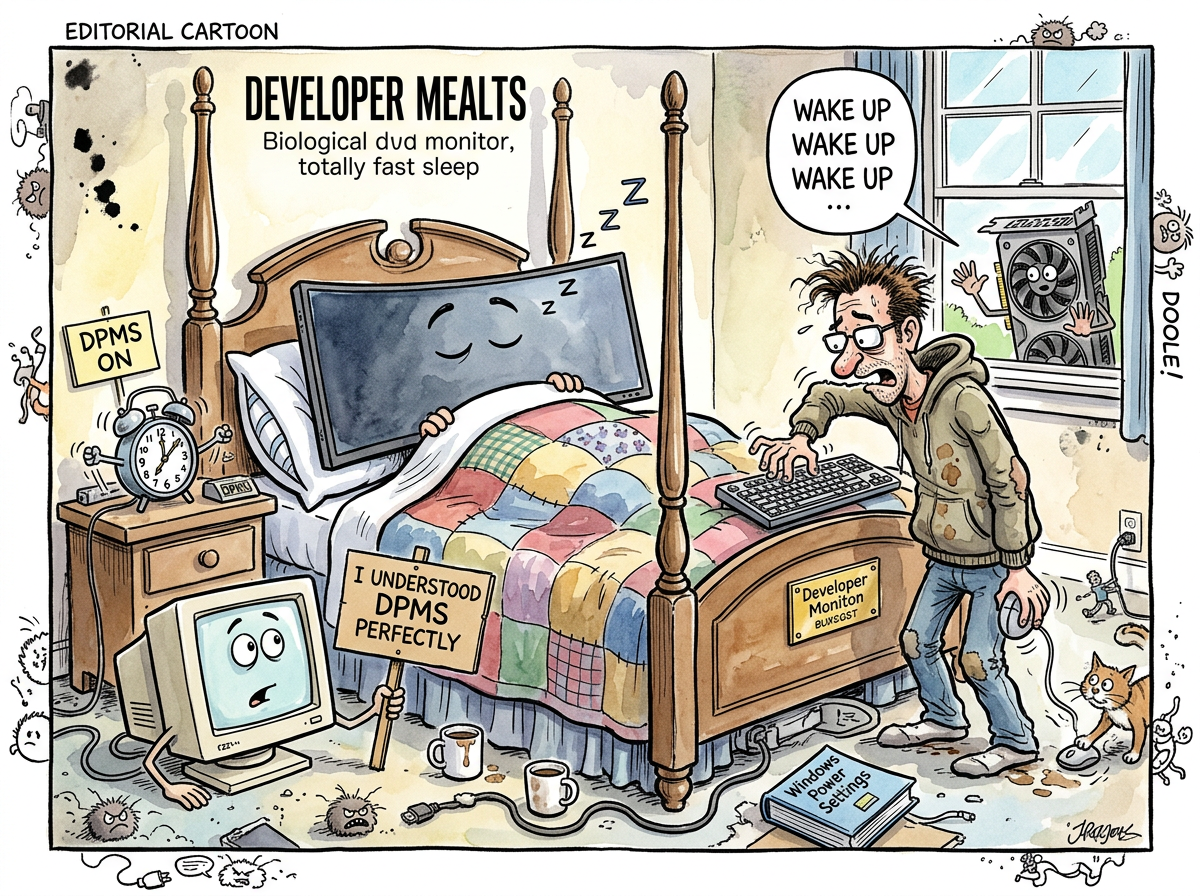
DPMS (Display Power Management Signaling) is a VESA standard from 1993 that defines four power states for monitors: On, Standby, Suspend, and Off. It was designed for CRT monitors, where “off” meant the electron gun stopped firing and the phosphors went dark and the monitor consumed less power and everything was simple and predictable and the monitor always woke up when you pressed a key because CRT monitors understood the concept of “wake up” the way dogs understand the concept of “walk.”
Modern monitors do not understand DPMS the way CRTs understood DPMS. Modern monitors acknowledge DPMS. They receive the signal. They enter a state that they describe as “off.” They may or may not return from this state when prompted. The specification says they should. The specification was written when monitors had one input, one cable, and one purpose. Modern monitors have four inputs, a USB hub, a KVM switch, an ambient light sensor, and firmware that was written by a team that may or may not have read the DPMS specification, which is thirty-one years old and describes a world that no longer exists.
The Four States
DPMS defines four states:
| State | HSYNC | VSYNC | Power | CRT Behavior | LCD Behavior |
|---|---|---|---|---|---|
| On | Yes | Yes | Full | Screen shows image | Screen shows image |
| Standby | No | Yes | Reduced | Electron gun off, heaters warm | Backlight off, maybe |
| Suspend | Yes | No | Reduced | Electron gun off, heaters off | Backlight off, probably |
| Off | No | No | Minimal | Everything off | Backlight off, firmware sleeping, USB hub maybe disconnected, DDC definitely disconnected, and the question of whether the monitor will respond to the “On” signal is now a matter of faith |
The distinction between Standby and Suspend mattered for CRTs because the electron gun’s heater took time to warm up, and Standby kept the heater warm for faster recovery. LCD panels have no heaters. LCD panels have backlights and timing controllers and firmware states. The distinction between Standby and Suspend on an LCD panel is the distinction between two flavors of “off” that the firmware may or may not implement differently.
Most modern monitors implement all three non-On states identically: backlight off, panel off, pray.
The Wake Problem
The DPMS specification assumes that resuming from any non-On state is instantaneous and reliable. Send HSYNC and VSYNC. The monitor wakes up. Display resumes. This worked on CRTs because CRTs were analog devices with analog responses — send the signal, the phosphors glow. There was no firmware in the loop. There was no handshake. There was no DisplayPort link training.
Modern monitors wake from DPMS by:
- Detecting the sync signals
- Performing DisplayPort link training (negotiating lane count, bandwidth, DSC parameters)
- Reading the EDID (again)
- Initializing the timing controller
- Enabling the backlight
- Resuming the USB hub (if present)
- Restoring the OSD state
- Sometimes displaying their own logo for three seconds because someone in the firmware team thought branding mattered at 3 AM
Steps 2 through 8 take between 2 and 15 seconds, during which the GPU thinks the monitor is on (because it sent the signal) and the monitor thinks the GPU hasn’t spoken yet (because link training hasn’t completed) and the user sees black and wonders if the monitor is dead.
On some monitors — particularly those with complex display engines, multiple inputs, or firmware that was tested less thoroughly than anyone would like to admit — the wake fails entirely. The monitor enters DPMS off and does not return. The fix is to physically press the monitor’s power button, or unplug the DisplayPort cable and replug it, or — in extreme cases — power cycle the monitor.
This is why riclib disabled DPMS entirely on his Samsung Odyssey G95NCs and replaced it with DDC/CI hardware dimming. The monitors dim to 5% on idle. They never turn off. They never need to wake up. The problem is solved by refusing to create it.
The CRT Golden Age
None of this was a problem in 1993.
CRT monitors understood DPMS perfectly because DPMS was designed for CRT monitors. The electron gun was either firing or not. The phosphors were either glowing or dark. The transition between states was instantaneous, reliable, and required no firmware, no link training, no handshake, and no prayer.
The CRT also consumed 150 watts when on and 15 watts when off, which made DPMS genuinely useful for power savings. An LCD panel consumes 30 watts when on and 0.5 watts when off. The power savings from DPMS on a modern display are real but modest. The risk of a failed wake is real and catastrophic — for the hyperfocus session that was interrupted, for the tmux session that is now invisible, for the developer who must now physically interact with a monitor instead of continuing to pretend that the physical world does not exist.
Measured Characteristics
- Protocol age: 33 years (1993)
- States defined: 4 (On, Standby, Suspend, Off)
- States implemented by modern monitors: 2 (On, and Some Variety of Off)
- CRT wake time: <1 second (reliable)
- LCD wake time: 2–15 seconds (variable)
- LCD wake success rate: ~95% (the 5% is why riclib uses DDC dimming instead)
- Power saved on modern displays: ~29 watts (real but modest)
- Hyperfocus sessions interrupted by failed wake: not quantified (not forgiven)
- The fix: don’t turn off the monitor (dim to 5% via DDC/CI)
- The fix the specification intended: turn off the monitor (it’ll wake up)
- The fix that works: the first one
See Also
- DDC/CI — The protocol that replaced DPMS for riclib. Dim, don’t kill.
- DSC — The compression that complicates wake-up by adding link training requirements.
- DisplayPort — The cable that carries both DPMS and the link training that makes DPMS wake unreliable.
- The Nesting — The session where DPMS was tried, found wanting, and replaced with hardware dimming.
- Boring Technology — DPMS was boring technology in 1993. In 2024, it is exciting technology, in the worst sense of the word.