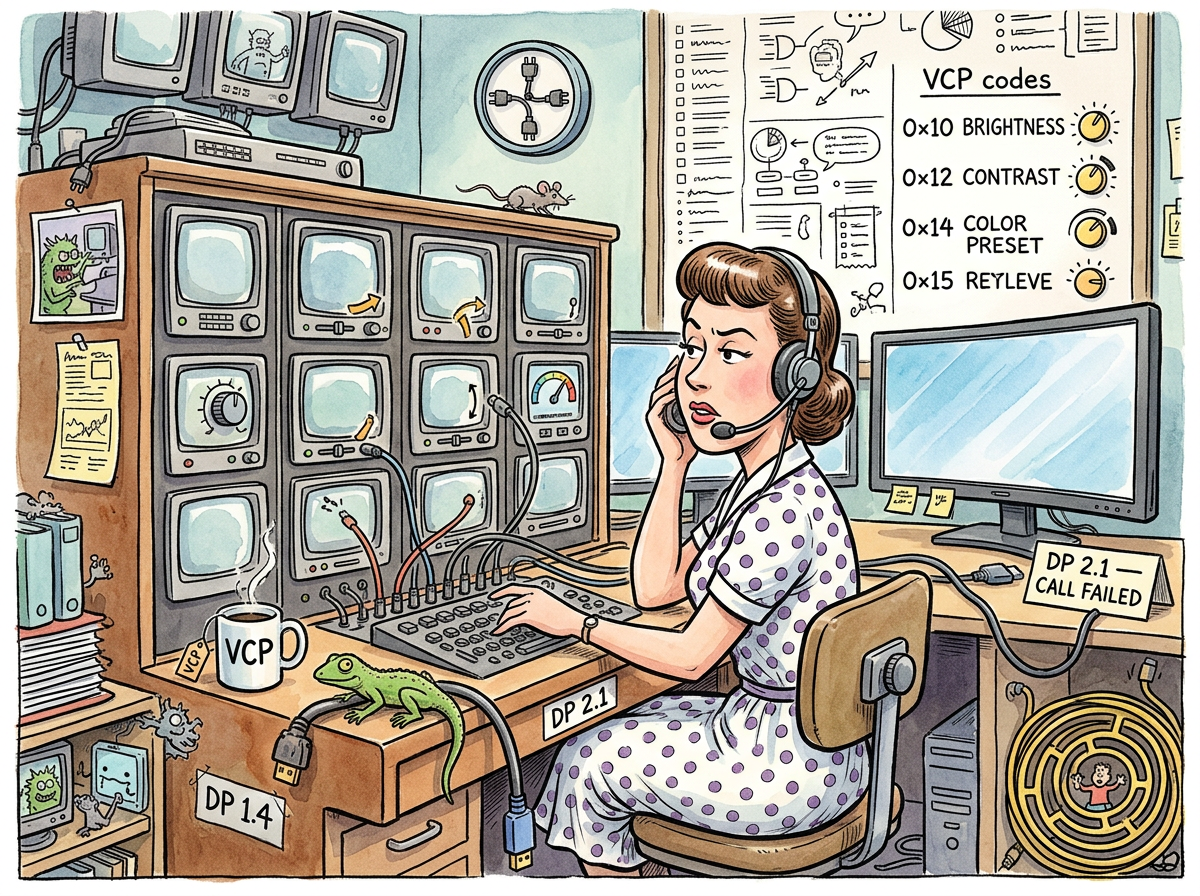
DDC/CI (Display Data Channel / Command Interface) is a protocol from 1994 that allows a computer to talk to a monitor over the display cable — reading and writing brightness, contrast, input source, color temperature, and every other setting that the monitor’s OSD can control, but from the command line, without touching the monitor’s buttons, without standing up, without interrupting the hyperfocus session that started three hours ago and will end when the sun provides a more compelling argument than the code.
DDC/CI runs over I2C — a two-wire serial bus designed in 1982 by Philips for communication between integrated circuits. The monitor speaks I2C at the electrical level and VCP (Virtual Control Panel) at the command level. VCP code 0x10 is brightness. VCP code 0x12 is contrast. VCP code 0x60 is input source. The protocol is simple, well-documented, and universally supported by monitors manufactured in the last twenty years.
It is also universally unknown by developers who have been adjusting their monitor brightness with physical buttons like it’s 1998.
The Whisper
DDC/CI works by whispering. Not metaphorically — electrically. The I2C bus that carries DDC commands runs at 100 kHz, which in the world of modern display interfaces is the speed of a handwritten letter in the age of email. DisplayPort 2.1 runs at 20 Gbps per lane. DDC/CI runs at 100 kilobits per second. The display cable carries a thunderstorm of pixel data and, on two quiet wires tucked alongside, a calm conversation about brightness.
The conversation is polite. The computer asks: “What is your current brightness?” The monitor responds: “50 out of 50.” The computer says: “Set brightness to 3.” The monitor complies. The exchange takes milliseconds. The monitor’s backlight dims. No OSD menu. No button-hunting. No standing up.
# Ask the monitor what it thinks
ddcutil getvcp 10
# Current brightness: 50, max: 50

# Tell the monitor what to think
ddcutil setvcp 10 3
# Brightness: now 5%
On Linux, ddcutil is the standard tool. On macOS, ddcctl. On Windows, various GUI tools that add 47 MB of Electron to what is fundamentally two shell commands.
The DP 2.1 Problem
DDC/CI has one enemy, and it is progress.
DisplayPort 2.1 uses UHBR (Ultra High Bit Rate) signaling — a newer, faster, more impressive encoding scheme that pushes 80 Gbps across four lanes. UHBR is designed for 8K displays, high refresh rates, and the specific ambition of making numbers larger than the previous generation’s numbers.
UHBR breaks DDC/CI on some monitors. Not all monitors. Not consistently. Just enough monitors that the developer who plugs in a DP 2.1 cable, runs ddcutil detect, and gets “DDC communication failed” must spend thirty minutes discovering that the fix is to downgrade to DP 1.4.
This is not a bug in DDC/CI. DDC/CI has not changed since 1998. This is a bug in the I2C implementation of the DP 2.1 link layer, which is too busy being fast to maintain the slow, quiet side-channel that DDC requires.
The DP 1.4 cable — from 2016, technically inferior in every measurable way — carries DDC perfectly. The 2025 cable cannot. Progress.
“The old cable knew how to talk. The new cable knew how to shout. Talking is better.”
— The Lizard, The Nesting
The Use Cases Nobody Knows About
DDC/CI can:
- Dim monitors on idle. Not gamma-dimming (which washes out colors) — real hardware backlight dimming, where black stays black and the screensaver is still visible at 5%.
- Switch inputs.
ddcutil setvcp 0x60 0x0fswitches to DisplayPort 1. No reaching behind the monitor. - Match brightness across displays. Two identical monitors, same OSD settings, different brightness? DDC reads the actual VCP values and reveals what the OSD hides — or, as riclib discovered, sometimes just changing the DP version fixes the mismatch entirely.
- Script monitor presets. Daytime brightness, nighttime brightness, presentation mode. Three shell aliases. Zero OSD menus.
None of these use cases are exotic. All of them are unknown. DDC/CI is the most useful protocol that nobody uses, because the people who would benefit from it — developers who sit in front of monitors for twelve hours a day — don’t know it exists.
Measured Characteristics
- Protocol age: 32 years (1994)
- I2C bus speed: 100 kHz (the speed of politeness)
- VCP codes: ~250 (most monitors support 15–30)
- Developers who know DDC/CI exists: ~2%
- Developers who adjust brightness with physical buttons: ~98%
- Time to install ddcutil: 5 seconds
- Time to learn ddcutil: 2 commands
- Time saved per brightness adjustment: 15 seconds (×8/day = 2 minutes)
- Cables that support DDC: DP 1.4, HDMI, DVI, VGA
- Cables that break DDC: DP 2.1 (on some monitors, for reasons)
- The old protocol that works: I2C (1982)
- The new protocol that broke it: UHBR (2022)
- The fix: downgrade the cable
See Also
- DisplayPort — The cable standard where progress means choosing which version to downgrade to.
- DPMS — DDC/CI’s older sibling. Also runs on I2C. Also ignored by modern hardware.
- DSC — The compression the monitor demands, whether you want it or not.
- Boring Technology — DDC/CI is 32 years old. It still works. On DP 1.4.
- The Nesting — The story where DDC/CI was discovered, deployed, and used to dim two Samsung ultrawides to 5%.