AmigaDOS CLI is the command-line interface that shipped with The Amiga’s operating system. It was a shell. It had a prompt. It ran commands. The commands lived on the floppy disk.
This requires unpacking for anyone born after 1990.
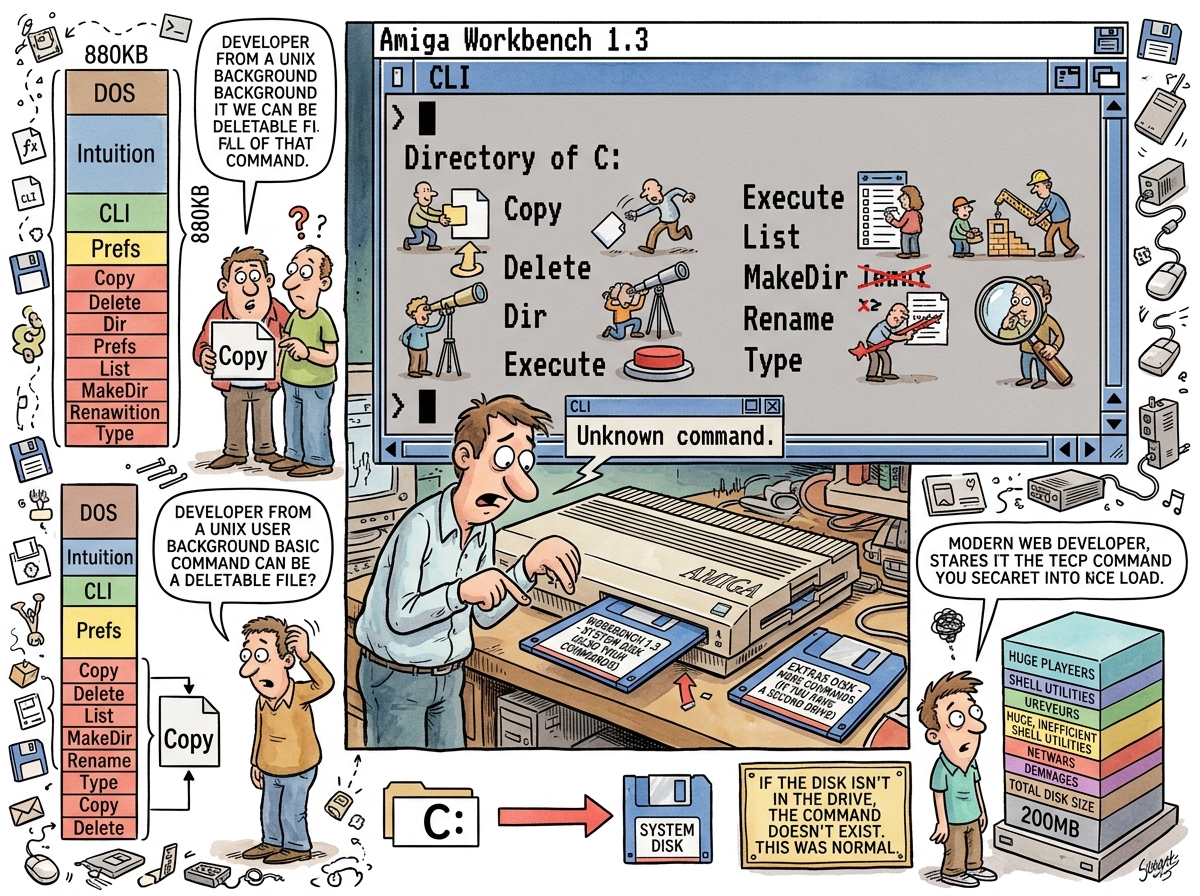
“The commands were files. On the disk. In a directory called C:. If you ejected the disk, the commands were gone. Not ‘unavailable.’ Gone. The shell would say ‘Unknown command’ because the command was, literally, not present on any mounted volume. This was not a bug. This was the architecture.”
— riclib, explaining the Amiga to people who have always had hard drives
The C: Directory
On the Amiga, shell commands were individual executable files stored in the C: directory (C for Commands). Copy, Delete, Dir, List, MakeDir, Rename, Type, Execute — each one was a separate binary, a few kilobytes in size, living on the Workbench floppy disk.
The Workbench floppy was 880 KB. The operating system, the Workbench GUI, the system libraries, the preferences, the fonts, and the commands all shared this 880 KB. Every command that shipped was a command that left less space for everything else. Every command that Commodore added to a new version was a command that might push the total over 880 KB, which would require either removing something else or shipping a second disk.
This was resource management at the filesystem level. The modern equivalent would be if /usr/bin/ had a 880 KB quota and adding kubectl meant removing grep.
The Architecture
The Amiga’s approach — commands as individual files, stored on the boot volume, loaded into memory only when invoked — was not wrong. It was, in fact, the correct Unix architecture: commands are programs, programs are files, files live in directories. Unix does this too. /bin/ls is a file. /usr/bin/grep is a file. The difference is that Unix has a hard drive, and the Amiga had a floppy disk, and the floppy disk could be ejected.
The practical consequence was that the Amiga shell’s capabilities were physically tied to the media inserted in the drive. Boot from Workbench, you had the standard commands. Boot from a game disk, you had no commands. Boot from a custom boot disk, you had whatever commands you chose to copy onto the 880 KB — and choosing which commands to include was itself a skill, because 880 KB was not enough for all of them.
Amiga power users maintained custom boot disks with their preferred selection of commands, utilities, and startup scripts, each disk a curated toolkit compressed into 880 KB. The boot disk was not just a boot device. The boot disk was a personal statement.
The Prompt
The AmigaDOS CLI prompt was functional:
1.SYS:>
The number was the shell instance (you could have multiple CLIs open — the Amiga had multitasking, remember, since 1985). SYS: was the current volume. The > was the prompt character.
The commands themselves were familiar in function if not in name:
Dirinstead oflsCopyinstead ofcpDeleteinstead ofrmRenameinstead ofmvTypeinstead ofcatMakeDirinstead ofmkdir
Capital letters. Full words. No abbreviations. The Amiga’s CLI commands were named for people who speak English, not for people who count keystrokes. This was either friendly or verbose, depending on whether you came from Unix and found yourself typing six characters for a two-character operation.
The Assigns
The Amiga’s most clever filesystem feature was the assign system. An assign was a logical name mapped to a physical path:
C:→ the commands directoryS:→ the startup scripts directoryL:→ the libraries directoryFONTS:→ the fonts directorySYS:→ the system volume
You could reassign any logical name to any path. ASSIGN C: Work:MyCommands would redirect the command path to your custom directory. Your commands, your binaries, your tools — all accessible through C: regardless of where they physically lived.
This was, in essence, a filesystem-level PATH variable — simpler, more visual, and more Amiga. Unix has $PATH, a colon-separated string of directories. The Amiga had assigns, each a named pointer to a location. The same concept, different ergonomics.
Measured Characteristics
Year shipped:                            1985 (with Amiga 1000)
Floppy disk capacity:                    880 KB (DD) — shared between OS, GUI, and commands
Command storage:                         C: directory (individual executables on the boot floppy)
Commands available:                      however many fit on the disk
Commands when disk ejected:              zero
Prompt format:                           1.SYS:> (shell number, volume, prompt)
Naming convention:                       full English words (Dir, Copy, Delete, Rename)
Unix equivalent naming:                  abbreviations (ls, cp, rm, mv)
Multitasking:                            yes (since 1985, multiple CLI windows)
Assign system:                           logical names → physical paths (like $PATH but friendlier)
Custom boot disk:                        a personal statement in 880 KB
See Also
- The Amiga — The machine this shell ran on. Understanding AmigaDOS requires understanding that the Amiga had multitasking before the Mac and commands on a floppy disk because hard drives were expensive.
- KingCON — The console handler that fixed what AmigaDOS CLI got wrong: command history, tab completion, and a usable editing experience.
- CygnusEd — The text editor that, with ARexx, could automate what the CLI could not.
- sh — The Unix shell that AmigaDOS CLI paralleled. Same philosophy (commands are files), different constraints (880 KB).
- cmd — The shell that Windows users endured while Amiga users had multitasking CLIs. cmd is worse. cmd has always been worse.